

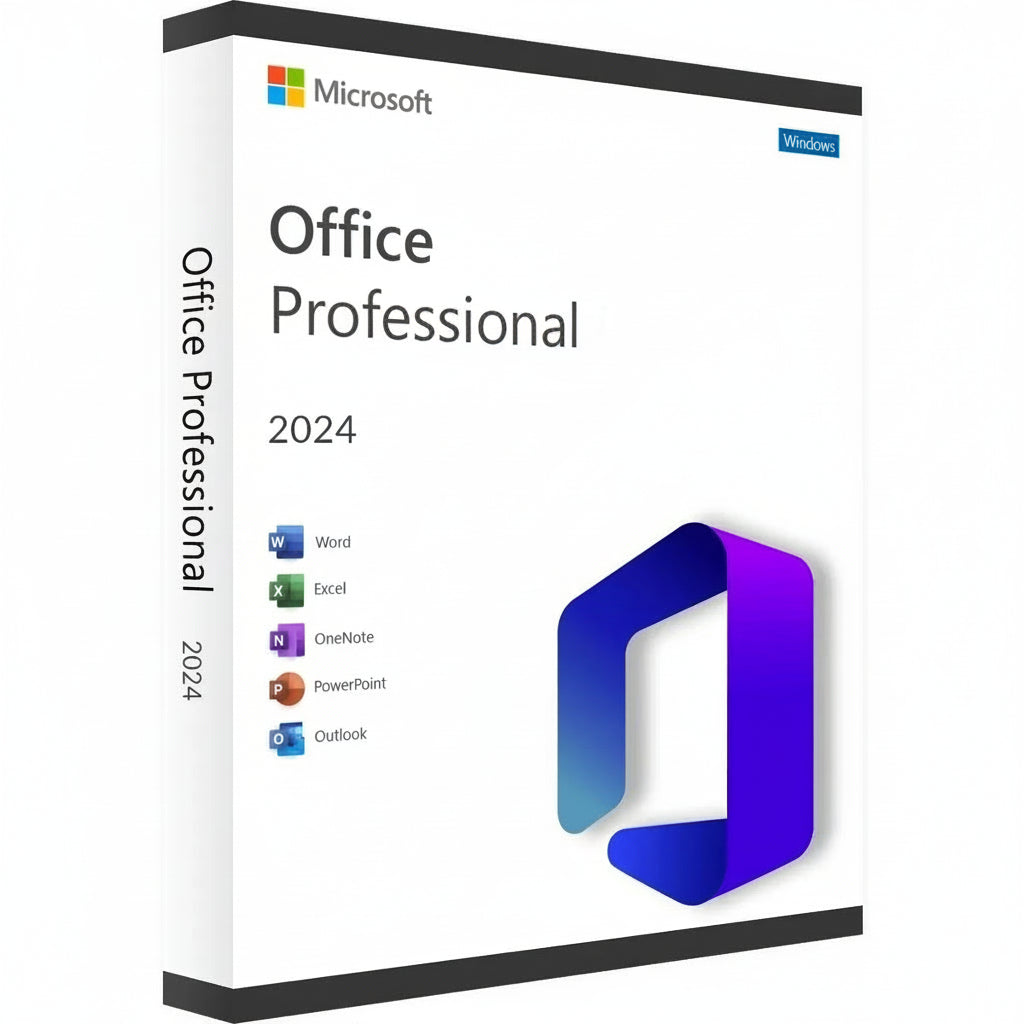


Microsoft Office 2024 Professional Plus LTSC Key
Power your professional workflow with Microsoft Office 2024 Professional Plus LTSC, the advanced Long-Term Servicing Channel edition of Microsoft's desktop...
Read More


- Regular price
- $9.78 AUD
- Sale price
- $9.78 AUD
- Regular price
-
$487.37 AUD
Safe Checkout Guaranteed
Trusted Payment Methods
You Might Also Like
Power your professional workflow with Microsoft Office 2024 Professional Plus LTSC, the advanced Long-Term Servicing Channel edition of Microsoft's desktop productivity suite.
Office LTSC 2024 is designed for businesses, professional users, and controlled environments that need a stable Office installation without the continuous feature changes or recurring subscription model of Microsoft 365.
Professional Plus combines Word, Excel, PowerPoint, Outlook, OneNote, and Access in one comprehensive Windows productivity suite.
Applications Included
- Word 2024 – Create polished professional documents with improved accessibility, recovery, and performance.
- Excel 2024 – Analyze data with modern formulas, dynamic arrays, improved charts, and enhanced spreadsheet capabilities.
- PowerPoint 2024 – Build professional presentations using updated recording, design, and presentation tools.
- Outlook 2024 – Manage email, contacts, calendars, and schedules efficiently.
- OneNote – Organize notes, ideas, projects, and research.
- Access 2024 – Create and manage desktop databases, forms, reports, and business data solutions.
Note: Microsoft Publisher is not included with Office LTSC 2024.
Why Choose Office 2024 Professional Plus LTSC?
- No Microsoft 365 Subscription Required – Use the desktop Office suite without recurring Microsoft 365 subscription fees.
- Professional Plus Edition – Includes Microsoft Access in addition to the core Office applications.
- Stable LTSC Environment – Features remain consistent rather than changing continuously through feature updates.
- Security & Quality Updates – Microsoft provides supported security and reliability updates throughout the product lifecycle.
- Offline Productivity – Work with the desktop applications without requiring a constant internet connection.
- Modern Performance – Office 2024 introduces updated accessibility, usability, performance, and productivity improvements.
- Professional & Business Ready – Suitable for workstations, businesses, and environments where stability is a priority.
Office 2024 Professional Plus LTSC vs. Microsoft 365
| Feature | Office 2024 Pro Plus LTSC | Microsoft 365 |
|---|---|---|
| Licensing Model | One-time / perpetual licensing | Subscription |
| Desktop Office Apps | Yes | Yes |
| Microsoft Access | Yes | Plan dependent |
| Feature Updates | Fixed feature set | Continuous |
| Security & Quality Updates | Yes, during support lifecycle | Yes |
| Cloud Services | Not included | Included depending on plan |
| AI & Cloud-Driven Features | Not included like Microsoft 365 | Available depending on plan |
| Offline Desktop Use | Yes | Yes, with periodic account verification |
Microsoft Support Lifecycle
Office LTSC 2024 is covered by Microsoft's Fixed Lifecycle Policy, with support scheduled through October 9, 2029.
System Requirements
- Operating System: Windows 11, supported Windows LTSC editions, or compatible Windows Server editions
- Processor: 1.1 GHz or faster, 2-core
- Memory: 4 GB RAM
- Storage: 4 GB available disk space
- Display: 1280 × 768 minimum resolution
- Internet: Required for download, activation, and online functionality
Choose Microsoft Office 2024 Professional Plus LTSC when you need the complete professional Office desktop suite with Access, a stable feature set, and no Microsoft 365 subscription.
Activation Guide

