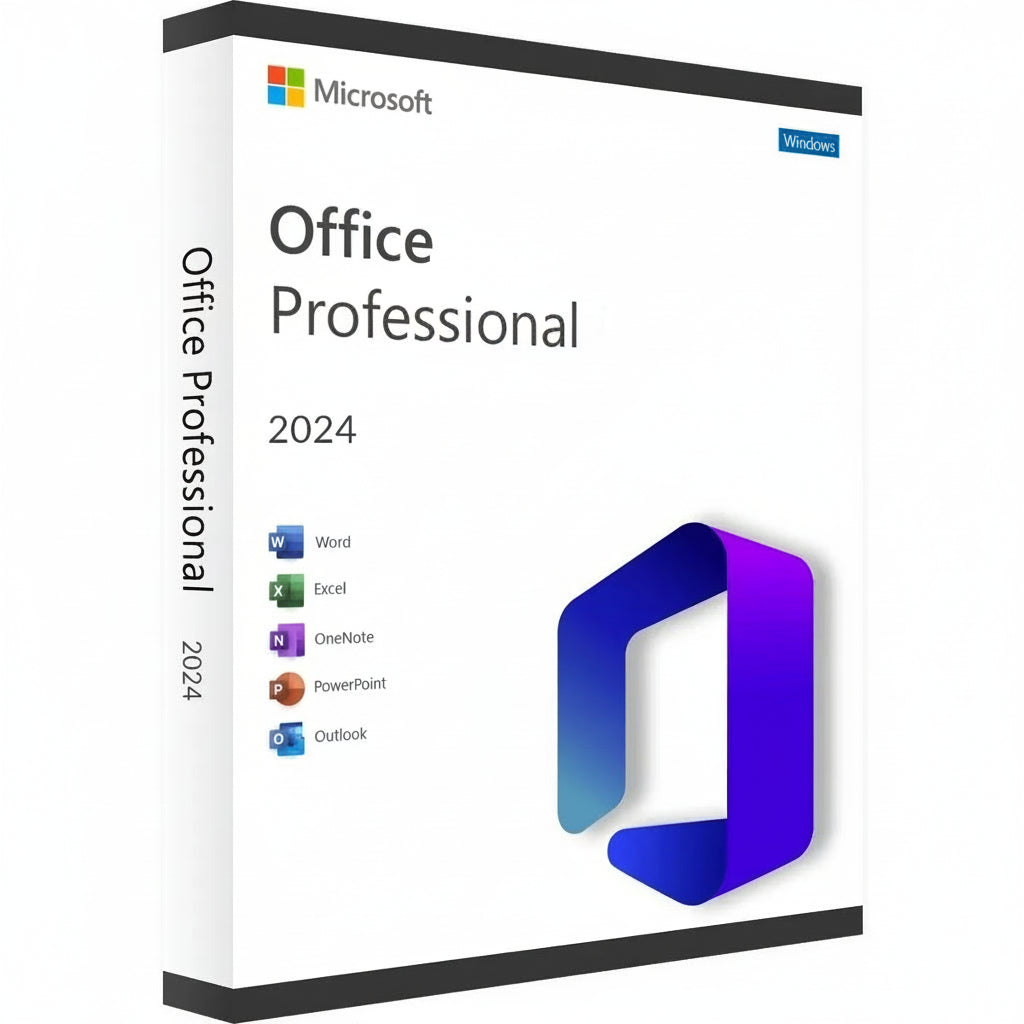
Microsoft Office 2024 Professional Plus LTSC Key
Zgrabite svoj Microsoft Office 2024 Professional Plus Key i pretvorite svoju radnu stanicu u centar efikasnosti. Ovo najnovije izdanje donosi...
Read More- Regular price
- 722.26 RSD
- Sale price
- 722.26 RSD
- Regular price
-
35,992.94 RSD - Unit price
- / per
Safe Checkout Guaranteed
Trusted Payment Methods
- Regular price
- 722.26 RSD
- Sale price
- 722.26 RSD
- Regular price
-
35,992.94 RSD - Unit price
- / per
You Might Also Like
Zgrabite svoj Microsoft Office 2024 Professional Plus Key i pretvorite svoju radnu stanicu u centar efikasnosti. Ovo najnovije izdanje donosi rafiniran interfejs i munjevitu brzinu klasičnom paketu na koji se svet oslanja za profesionalne rezultate. To je premijerni izbor za stručnjake i studente koji žele da trajno poseduju svoj softver, izbegavajući muke mesečnih pretplata.
Vodič za Aktivaciju i Kompatibilnost
Napomena o Aktivaciji: Ovaj proizvod nije aktiviran putem setup.office.com. Aktivacija mora biti završena odmah nakon primanja vaše licence kako bi se osigurala validnost.
Kako Instalirati i Aktivirati:
-
Proverite svoj Email: Odmah nakon kupovine, dobićete svoj jedinstveni licencni ključ zajedno sa linkom ka detaljnim video uputstvima.
-
Pratite Vodič: Pažljivo gledajte dostavljeni video; on pokriva specifične korake za preuzimanje zvaničnog instalacionog programa, instalaciju i proces aktivacije.
-
Brza Aktivacija: Molimo vas da se pridržavate koraka i primenite ključ čim ga dobijete.
Ključne Karakteristike
-
Kreirajte profesionalne dokumente sa naprednim formatiranjem i novim alatima za mastilo u Word 2024.
-
Analizirajte složene skupove podataka brže uz unapređene dinamičke nizove i XLOOKUP funkcije u Excelu.
-
Dizajnirajte filmske prezentacije koristeći poboljšane tranzicije i podršku za 3D modele u PowerPointu.
-
Upravljajte velikim količinama emailova i rasporeda sa ultra-responzivnim Outlook interfejsom.
-
Izgradite prilagođene baze podataka i profesionalne rasporede koristeći najnovije verzije Accessa i Publishera.
Nova Era Produktivnosti i Aplikacioni Paket
Suite za 2024. godinu predstavlja značajan skok u performansama, dizajniran da savršeno funkcioniše sa najnovijim hardverom i Windows 11. Imate potpuni pristup klasičnoj postavi, uključujući obnovljeni OneNote, koji ostaje ključan za organizaciju misli i deljenje beležaka na svim vašim uređajima. Ova epska avantura u digitalnom radu osigurava da ostanete ispred rokova sa alatima koji odgovaraju na vaše unose bez odlaganja.
Vizuelna konzistentnost je srž ove verzije, sa izgledom koji odražava moderne estetike trenutnih operativnih sistema. Bilo da pišete jednostavno pismo ili upravljate ogromnom korporativnom bazom podataka, okruženje deluje kohezivno i fokusirano. Integracija podrške za OpenDocument Format (ODF) 1.4 takođe osigurava da vaši fajlovi ostanu kompatibilni sa širim spektrom softvera nego ikada pre.
Aktivacija i prednosti licenciranja
Izbor Microsoft Office 2024 Professional Plus Key znači da se odlučujete za trajnu maloprodajnu licencu. Ovo je jednokratna kupovina koja se vezuje za vaš Microsoft nalog, eliminišući potrebu za ponavljajućim naknadama ili "iznajmljivanjima softvera." Dobijate punu verziju svake aplikacije, što osigurava da možete raditi offline i održavati potpunu kontrolu nad svojim privatnim dokumentima bez ograničenja samo na cloud.
To je pouzdano rešenje za one koji cene dugoročnu stabilnost i digitalno vlasništvo. Jednom aktivirana, vaša licenca je originalna i verifikovana od strane zvaničnih servera, dajući vam pristup svim ključnim sigurnosnim ažuriranjima. Ovaj put preferiraju profesionalci kojima je potrebno "postavi i zaboravi" rešenje za njihovo kućno ili malo poslovno okruženje.
Tehničke specifikacije i sistemski zahtevi
Dostupne platforme
PC (samo Windows 10 i Windows 11).
Sistemski zahtevi
| Komponenta | Minimalni zahtevi | Preporučeno za performanse |
| OS | Windows 10 / 11 | Windows 11 |
| Procesor | 1.6 GHz, 2 jezgra | 2.0 GHz+ više jezgara |
| Memorija | 4 GB RAM | 8 GB RAM ili više |
| Skladište | 4 GB dostupnog prostora | SSD za brže učitavanje |
| Ekran | 1280 x 768 rezolucija | 1920 x 1080 (Full HD) |
| Grafika | DirectX 9 ili noviji | DirectX 12 kompatibilan |
Uzmite svoju licencu
Uzmite svoj Microsoft Office 2024 Professional Plus ključ sada i savladajte svoj radni teret sa najpouzdanijim alatima na svetu!
Activation Guide
Option 1 – Microsoft deployment guide
Video guide
Before you start
Make sure any previous version of Microsoft Office or Microsoft 365 is completely uninstalled from your PC.
1. Open the Office Customization Tool
Go to the official Microsoft Office Customization Tool:
Open the Office Customization Tool
2. Create your configuration
Create a new configuration and select the following settings:
Architecture: 64-bit (recommended for most PCs), or 32-bit if required by your system.
Product: Office LTSC Professional Plus 2024 – Volume License.
Update Channel: Perpetual Enterprise / PerpetualVL2024.
Select the Office applications and language you want to install.
Product key: Select the Volume License / MAK option and enter your purchased Office 2024 Professional Plus LTSC key.
3. Export the configuration file
Complete the configuration and click Export. Accept Microsoft’s terms and save the configuration as an .xml file, for example:
office2024.xml
4. Download the Office Deployment Tool
Download the official Microsoft Office Deployment Tool (ODT):
5. Create an installation folder
Create a new folder on your PC. Place the downloaded Office Deployment Tool and your .xml configuration file in this folder.
6. Extract the deployment files
Run the Office Deployment Tool and extract its files into the same folder.
Make sure the folder contains both setup.exe and your configuration file, for example office2024.xml.
7. Open Command Prompt
Open Command Prompt as Administrator.
8. Navigate to your installation folder
Navigate to the folder containing setup.exe and your configuration file. Example command:
cd "C:\Users\YourName\Desktop\Office2024"
Replace the example folder path with the location of your own installation folder.
9. Start the installation
Run this command:
setup.exe /configure office2024.xml
If you used a different configuration filename, replace office2024.xml with that exact filename.
10. Wait for Office to install
Office 2024 Professional Plus LTSC will now download and install. Keep your PC connected to a stable internet connection until installation is complete.
11. Activate Office
Open Word, Excel, or another Office application and go to File → Account.
Office should activate automatically online if the product key was added correctly during configuration. If prompted, enter your purchased product key and complete activation.
Option 2 – Simplified installation and alternative activation
If the configuration steps in Option 1 are too technical, use the direct installer below. Choose one installation method. If Office LTSC 2024 is already installed, skip the download and continue with activation.
1. Remove previous Office installations
Remove any previous Office or Microsoft 365 installation, as explained above.
2. Download and install Office
For the English 64-bit edition, download and run this Office 2024 Professional Plus LTSC installer:
Download Office 2024 LTSC – English, 64-bit
Use Option 1 if you need a different language or a 32-bit installation.
3. Enter your product key
Open Word → File → Account. Check that the edition is Office LTSC Professional Plus 2024. Enter your purchased key when prompted and try online activation first.
4. Find your Installation ID
If online activation fails and the Activation Wizard offers “I want to activate the software by telephone”, select it and choose Next to display your Installation ID.
5. Open the Microsoft activation portal
Open the Microsoft Product Activation Portal
Complete the verification and sign in. Select “Activate a Microsoft Product”, choose Office and the matching version, and follow the prompts to submit your Installation ID.
Microsoft has moved automated telephone activation online. Use the portal instead of calling an old activation number. Signing in to the portal does not link the LTSC license to that Microsoft account.
6. Complete activation
If Microsoft provides a Confirmation ID, enter it in the Activation Wizard and finish activation. Check File → Account for the activated product status.
7. Get help if activation fails
If the telephone option is unavailable, the portal cannot complete activation, or the key is rejected, contact RoyalCDKeys Support. Include a screenshot of the exact error and the product information shown under File → Account.
Do not keep reinstalling Office or buy another key before we check the issue.
Important: Microsoft Project compatibility
Project is sold separately and is not included in Office LTSC Professional Plus 2024.
Project Standard or Professional 2024 can coexist with Office LTSC 2024 in a compatible installation. Office and Project must use the same 32-bit or 64-bit architecture, compatible Click-to-Run installation technology, and the same update channel.
Office LTSC 2024 uses PerpetualVL2024. Project 2024 volume editions support this channel. Older or differently configured Project installers may conflict.
Contact RoyalCDKeys Support before installing Project alongside this Office edition.
