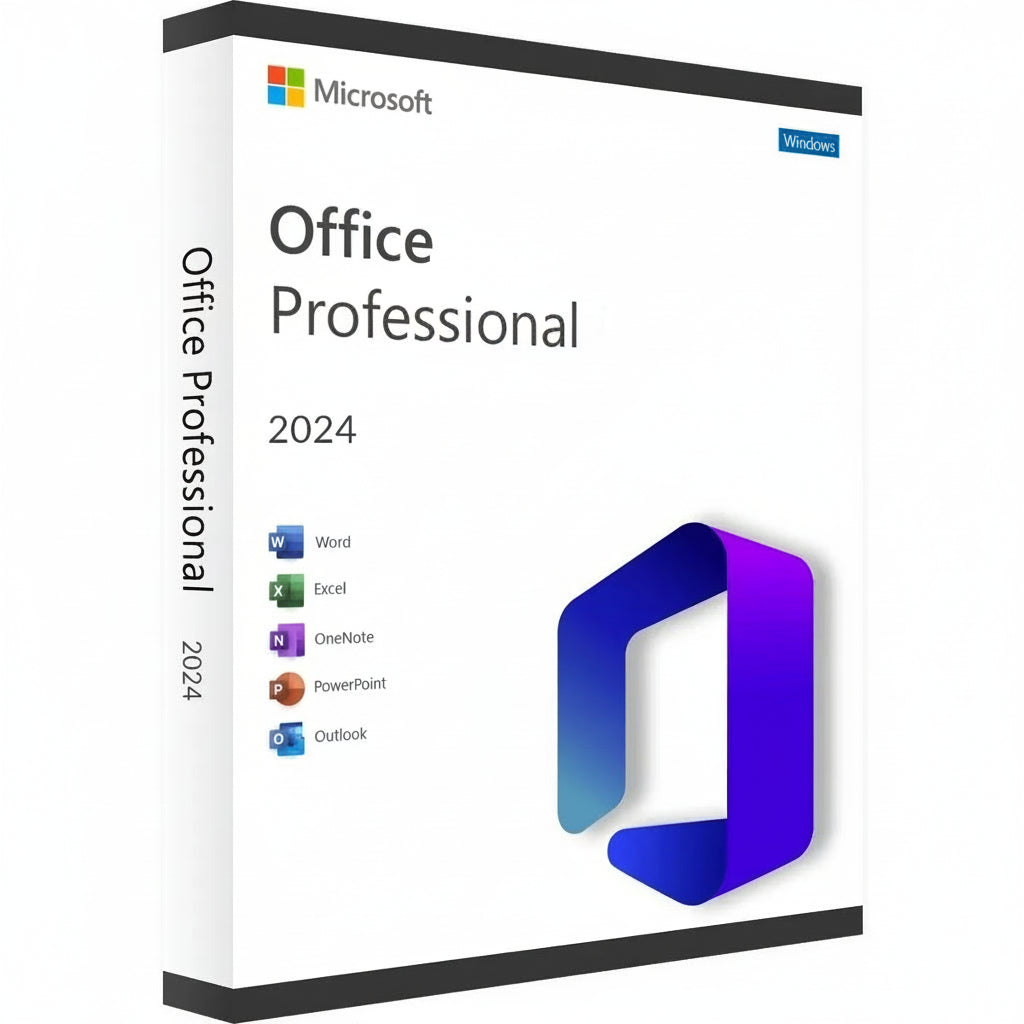
Microsoft Office 2024 Professional Plus LTSC Key
Pegue sua Chave do Microsoft Office 2024 Professional Plus e transforme sua estação de trabalho em uma potência de eficiência....
Read More- Regular price
- R$ 39,00 BRL
- Sale price
- R$ 39,00 BRL
- Regular price
-
R$ 1.895,00 BRL - Unit price
- / per
Safe Checkout Guaranteed
Trusted Payment Methods
- Regular price
- R$ 39,00 BRL
- Sale price
- R$ 39,00 BRL
- Regular price
-
R$ 1.895,00 BRL - Unit price
- / per
You Might Also Like
Pegue sua Chave do Microsoft Office 2024 Professional Plus e transforme sua estação de trabalho em uma potência de eficiência. Este lançamento mais recente traz uma interface refinada e desempenho ultrarrápido para o conjunto clássico que o mundo confia para resultados profissionais. É a escolha principal para especialistas e estudantes que desejam possuir seu software para sempre, evitando o incômodo de assinaturas mensais.
Guia de Ativação & Compatibilidade
Nota de Ativação: Este produto não é ativado via setup.office.com. A ativação deve ser concluída imediatamente após receber sua licença para garantir a validade.
Como Instalar e Ativar:
-
Verifique seu Email: Imediatamente após a compra, você receberá sua chave de licença única junto com um link para instruções detalhadas em vídeo.
-
Siga o Guia: Assista ao vídeo fornecido com atenção; ele cobre as etapas específicas para baixar o instalador oficial, instalação e o processo de ativação.
-
Ativação Rápida: Por favor, certifique-se de seguir os passos e aplicar a chave assim que recebê-la.
Principais Recursos
-
Crie documentos profissionais com formatação avançada e novas ferramentas de tinta no Word 2024.
-
Analise conjuntos de dados complexos mais rapidamente com matrizes dinâmicas atualizadas e funções XLOOKUP no Excel.
-
Projete apresentações cinematográficas usando transições aprimoradas e suporte a modelos 3D no PowerPoint.
-
Gerencie grandes volumes de emails e agendas com a interface ultra-responsiva do Outlook.
-
Construa bancos de dados personalizados e layouts profissionais usando as versões mais recentes do Access e Publisher.
Nova Era de Produtividade & Conjunto de Aplicativos
A suíte de 2024 é um salto significativo em desempenho, projetada para funcionar em perfeita harmonia com o hardware mais recente e o Windows 11. Você tem acesso total à linha clássica, incluindo o renovado OneNote, que continua vital para organizar pensamentos e compartilhar notas entre seus dispositivos. Esta aventura épica no trabalho digital garante que você esteja à frente dos prazos com ferramentas que respondem ao seu input sem atraso.
A consistência visual é o coração desta versão, apresentando um visual que espelha a estética moderna dos sistemas operacionais atuais. Seja redigindo uma carta simples ou gerenciando um banco de dados corporativo massivo, o ambiente parece coeso e focado. A integração do suporte ao OpenDocument Format (ODF) 1.4 também garante que seus arquivos permaneçam compatíveis com uma gama mais ampla de softwares do que nunca.
Benefícios de Ativação & Licenciamento
Escolher a Chave do Microsoft Office 2024 Professional Plus significa optar por uma licença de varejo permanente. Esta é uma compra única que se vincula à sua conta Microsoft, eliminando a necessidade de taxas recorrentes ou "aluguel de software". Você recebe a versão completa de cada aplicativo, garantindo que possa trabalhar offline e manter total controle sobre seus documentos privados sem restrições apenas na nuvem.
É uma solução confiável para aqueles que valorizam a estabilidade a longo prazo e a propriedade digital. Uma vez ativada, sua licença é genuína e verificada por servidores oficiais, dando-lhe acesso a todas as atualizações críticas de segurança. Este caminho é preferido por profissionais que precisam de uma solução "configure e esqueça" para seu escritório em casa ou ambiente de pequena empresa.
Especificações Técnicas & Requisitos do Sistema
Plataformas Disponíveis
PC (apenas Windows 10 e Windows 11).
Requisitos do Sistema
| Componente | Requisitos Mínimos | Recomendado para Desempenho |
| SO | Windows 10 / 11 | Windows 11 |
| Processador | 1.6 GHz, 2 núcleos | 2.0 GHz+ Multi-core |
| Memória | 4 GB RAM | 8 GB RAM ou mais |
| Armazenamento | 4 GB de espaço disponível | SSD para carregamento mais rápido |
| Tela | Resolução 1280 x 768 | 1920 x 1080 (Full HD) |
| Gráficos | DirectX 9 ou posterior | Compatível com DirectX 12 |
Pegue sua Licença
Pegue sua chave do Microsoft Office 2024 Professional Plus agora e domine sua carga de trabalho com as ferramentas mais confiáveis do mundo!
Activation Guide
Option 1 – Microsoft deployment guide
Video guide
Before you start
Make sure any previous version of Microsoft Office or Microsoft 365 is completely uninstalled from your PC.
1. Open the Office Customization Tool
Go to the official Microsoft Office Customization Tool:
Open the Office Customization Tool
2. Create your configuration
Create a new configuration and select the following settings:
Architecture: 64-bit (recommended for most PCs), or 32-bit if required by your system.
Product: Office LTSC Professional Plus 2024 – Volume License.
Update Channel: Perpetual Enterprise / PerpetualVL2024.
Select the Office applications and language you want to install.
Product key: Select the Volume License / MAK option and enter your purchased Office 2024 Professional Plus LTSC key.
3. Export the configuration file
Complete the configuration and click Export. Accept Microsoft’s terms and save the configuration as an .xml file, for example:
office2024.xml
4. Download the Office Deployment Tool
Download the official Microsoft Office Deployment Tool (ODT):
5. Create an installation folder
Create a new folder on your PC. Place the downloaded Office Deployment Tool and your .xml configuration file in this folder.
6. Extract the deployment files
Run the Office Deployment Tool and extract its files into the same folder.
Make sure the folder contains both setup.exe and your configuration file, for example office2024.xml.
7. Open Command Prompt
Open Command Prompt as Administrator.
8. Navigate to your installation folder
Navigate to the folder containing setup.exe and your configuration file. Example command:
cd "C:\Users\YourName\Desktop\Office2024"
Replace the example folder path with the location of your own installation folder.
9. Start the installation
Run this command:
setup.exe /configure office2024.xml
If you used a different configuration filename, replace office2024.xml with that exact filename.
10. Wait for Office to install
Office 2024 Professional Plus LTSC will now download and install. Keep your PC connected to a stable internet connection until installation is complete.
11. Activate Office
Open Word, Excel, or another Office application and go to File → Account.
Office should activate automatically online if the product key was added correctly during configuration. If prompted, enter your purchased product key and complete activation.
Option 2 – Simplified installation and alternative activation
If the configuration steps in Option 1 are too technical, use the direct installer below. Choose one installation method. If Office LTSC 2024 is already installed, skip the download and continue with activation.
1. Remove previous Office installations
Remove any previous Office or Microsoft 365 installation, as explained above.
2. Download and install Office
For the English 64-bit edition, download and run this Office 2024 Professional Plus LTSC installer:
Download Office 2024 LTSC – English, 64-bit
Use Option 1 if you need a different language or a 32-bit installation.
3. Enter your product key
Open Word → File → Account. Check that the edition is Office LTSC Professional Plus 2024. Enter your purchased key when prompted and try online activation first.
4. Find your Installation ID
If online activation fails and the Activation Wizard offers “I want to activate the software by telephone”, select it and choose Next to display your Installation ID.
5. Open the Microsoft activation portal
Open the Microsoft Product Activation Portal
Complete the verification and sign in. Select “Activate a Microsoft Product”, choose Office and the matching version, and follow the prompts to submit your Installation ID.
Microsoft has moved automated telephone activation online. Use the portal instead of calling an old activation number. Signing in to the portal does not link the LTSC license to that Microsoft account.
6. Complete activation
If Microsoft provides a Confirmation ID, enter it in the Activation Wizard and finish activation. Check File → Account for the activated product status.
7. Get help if activation fails
If the telephone option is unavailable, the portal cannot complete activation, or the key is rejected, contact RoyalCDKeys Support. Include a screenshot of the exact error and the product information shown under File → Account.
Do not keep reinstalling Office or buy another key before we check the issue.
Important: Microsoft Project compatibility
Project is sold separately and is not included in Office LTSC Professional Plus 2024.
Project Standard or Professional 2024 can coexist with Office LTSC 2024 in a compatible installation. Office and Project must use the same 32-bit or 64-bit architecture, compatible Click-to-Run installation technology, and the same update channel.
Office LTSC 2024 uses PerpetualVL2024. Project 2024 volume editions support this channel. Older or differently configured Project installers may conflict.
Contact RoyalCDKeys Support before installing Project alongside this Office edition.
