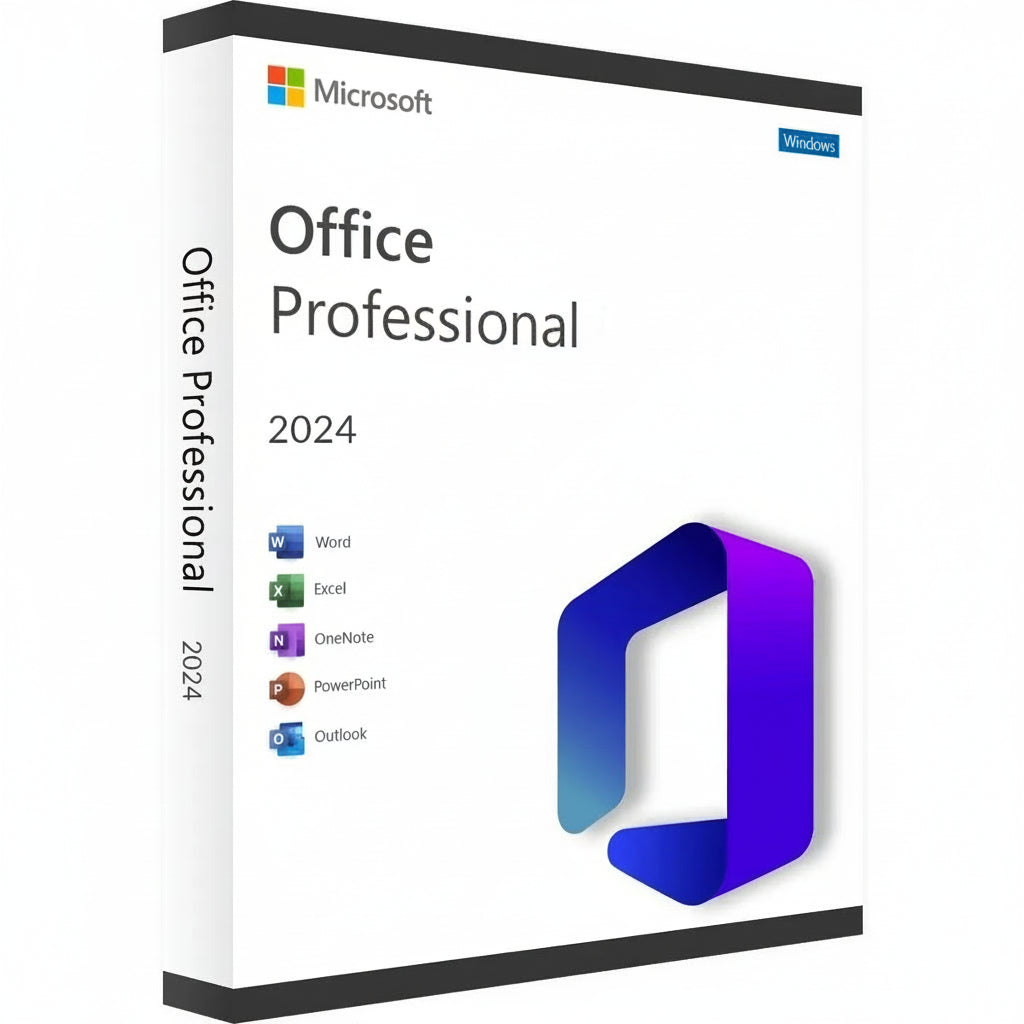
Microsoft Office 2024 Professional Plus LTSC Key
Ottieni la tua chiave Microsoft Office 2024 Professional Plus e trasforma la tua postazione di lavoro in una centrale di...
Per saperne di più- Prezzo di listino
- €6,14 EUR
- Prezzo di vendita
- €6,14 EUR
- Prezzo di listino
-
€300,00 EUR - Prezzo unitario
- / per
Safe Checkout Guaranteed
Trusted Payment Methods
- Prezzo di listino
- €6,14 EUR
- Prezzo di vendita
- €6,14 EUR
- Prezzo di listino
-
€300,00 EUR - Prezzo unitario
- / per
You Might Also Like
Ottieni la tua chiave Microsoft Office 2024 Professional Plus e trasforma la tua postazione di lavoro in una centrale di efficienza. Questa ultima versione porta un'interfaccia raffinata e prestazioni fulminee alla suite classica su cui il mondo fa affidamento per risultati professionali. È la scelta principale per esperti e studenti che vogliono possedere il loro software per sempre, evitando il fastidio degli abbonamenti mensili.
Guida all'Attivazione & Compatibilità
Nota sull'Attivazione: Questo prodotto non è attivato tramite setup.office.com. L'attivazione deve essere completata immediatamente al ricevimento della licenza per garantirne la validità.
Come Installare e Attivare:
-
Controlla la tua Email: Subito dopo l'acquisto, riceverai la tua chiave di licenza unica insieme a un link per istruzioni video dettagliate.
-
Segui la Guida: Guarda attentamente il video fornito; copre i passaggi specifici per scaricare l'installer ufficiale, l'installazione e il processo di attivazione.
-
Attivazione Immediata: Assicurati di seguire i passaggi e applicare la chiave non appena la ricevi.
Caratteristiche Principali
-
Crea documenti professionali con formattazione avanzata e nuovi strumenti di inchiostro in Word 2024.
-
Analizza set di dati complessi più velocemente con array dinamici aggiornati e funzioni XLOOKUP in Excel.
-
Progetta presentazioni cinematografiche utilizzando transizioni migliorate e supporto per modelli 3D in PowerPoint.
-
Gestisci grandi volumi di email e programmi con l'interfaccia ultra-reattiva di Outlook.
-
Costruisci database personalizzati e layout professionali utilizzando le ultime versioni di Access e Publisher.
Nuova Era di Produttività & Suite di App
La suite 2024 è un salto significativo nelle prestazioni, progettata per funzionare in perfetta armonia con l'hardware più recente e Windows 11. Hai pieno accesso alla linea classica, incluso il rinnovato OneNote, che rimane vitale per organizzare pensieri e condividere note sui tuoi dispositivi. Questa epica avventura nel lavoro digitale ti assicura di rimanere avanti rispetto alle scadenze con strumenti che rispondono al tuo input senza alcun ritardo.
La coerenza visiva è il cuore di questa versione, caratterizzata da un aspetto che rispecchia l'estetica moderna dei sistemi operativi attuali. Che tu stia scrivendo una semplice lettera o gestendo un enorme database aziendale, l'ambiente appare coeso e focalizzato. L'integrazione del supporto al formato OpenDocument (ODF) 1.4 garantisce inoltre che i tuoi file rimangano compatibili con una gamma più ampia di software che mai.
Vantaggi di Attivazione e Licenza
Scegliere il Microsoft Office 2024 Professional Plus Key significa optare per una licenza Retail permanente. Questo è un acquisto una tantum che si lega al tuo account Microsoft, eliminando la necessità di canoni ricorrenti o "noleggi software." Ricevi la versione completa di ogni applicazione, garantendo la possibilità di lavorare offline e mantenere il controllo totale sui tuoi documenti privati senza restrizioni solo cloud.
È una soluzione affidabile per chi apprezza la stabilità a lungo termine e la proprietà digitale. Una volta attivata, la tua licenza è autentica e verificata dai server ufficiali, dandoti accesso a tutti gli aggiornamenti di sicurezza critici. Questo percorso è preferito dai professionisti che necessitano di una soluzione "imposta e dimentica" per il loro ufficio domestico o ambiente di piccola impresa.
Specifiche Tecniche e Requisiti di Sistema
Piattaforme Disponibili
PC (solo Windows 10 e Windows 11).
Requisiti di Sistema
| Componente | Requisiti Minimi | Consigliato per le Prestazioni |
| OS | Windows 10 / 11 | Windows 11 |
| Processore | 1.6 GHz, 2-core | 2.0 GHz+ Multi-core |
| Memoria | 4 GB RAM | 8 GB RAM o più |
| Archiviazione | 4 GB di spazio disponibile | SSD per un caricamento più veloce |
| Display | Risoluzione 1280 x 768 | 1920 x 1080 (Full HD) |
| Grafica | DirectX 9 o successivo | Compatibile con DirectX 12 |
Ottieni la tua licenza
Ottieni ora la tua chiave Microsoft Office 2024 Professional Plus e gestisci il tuo carico di lavoro con gli strumenti più affidabili al mondo!
Activation Guide
Option 1 – Microsoft deployment guide
Video guide
Before you start
Make sure any previous version of Microsoft Office or Microsoft 365 is completely uninstalled from your PC.
1. Open the Office Customization Tool
Go to the official Microsoft Office Customization Tool:
Open the Office Customization Tool
2. Create your configuration
Create a new configuration and select the following settings:
Architecture: 64-bit (recommended for most PCs), or 32-bit if required by your system.
Product: Office LTSC Professional Plus 2024 – Volume License.
Update Channel: Perpetual Enterprise / PerpetualVL2024.
Select the Office applications and language you want to install.
Product key: Select the Volume License / MAK option and enter your purchased Office 2024 Professional Plus LTSC key.
3. Export the configuration file
Complete the configuration and click Export. Accept Microsoft’s terms and save the configuration as an .xml file, for example:
office2024.xml
4. Download the Office Deployment Tool
Download the official Microsoft Office Deployment Tool (ODT):
5. Create an installation folder
Create a new folder on your PC. Place the downloaded Office Deployment Tool and your .xml configuration file in this folder.
6. Extract the deployment files
Run the Office Deployment Tool and extract its files into the same folder.
Make sure the folder contains both setup.exe and your configuration file, for example office2024.xml.
7. Open Command Prompt
Open Command Prompt as Administrator.
8. Navigate to your installation folder
Navigate to the folder containing setup.exe and your configuration file. Example command:
cd "C:\Users\YourName\Desktop\Office2024"
Replace the example folder path with the location of your own installation folder.
9. Start the installation
Run this command:
setup.exe /configure office2024.xml
If you used a different configuration filename, replace office2024.xml with that exact filename.
10. Wait for Office to install
Office 2024 Professional Plus LTSC will now download and install. Keep your PC connected to a stable internet connection until installation is complete.
11. Activate Office
Open Word, Excel, or another Office application and go to File → Account.
Office should activate automatically online if the product key was added correctly during configuration. If prompted, enter your purchased product key and complete activation.
Option 2 – Simplified installation and alternative activation
If the configuration steps in Option 1 are too technical, use the direct installer below. Choose one installation method. If Office LTSC 2024 is already installed, skip the download and continue with activation.
1. Remove previous Office installations
Remove any previous Office or Microsoft 365 installation, as explained above.
2. Download and install Office
For the English 64-bit edition, download and run this Office 2024 Professional Plus LTSC installer:
Download Office 2024 LTSC – English, 64-bit
Use Option 1 if you need a different language or a 32-bit installation.
3. Enter your product key
Open Word → File → Account. Check that the edition is Office LTSC Professional Plus 2024. Enter your purchased key when prompted and try online activation first.
4. Find your Installation ID
If online activation fails and the Activation Wizard offers “I want to activate the software by telephone”, select it and choose Next to display your Installation ID.
5. Open the Microsoft activation portal
Open the Microsoft Product Activation Portal
Complete the verification and sign in. Select “Activate a Microsoft Product”, choose Office and the matching version, and follow the prompts to submit your Installation ID.
Microsoft has moved automated telephone activation online. Use the portal instead of calling an old activation number. Signing in to the portal does not link the LTSC license to that Microsoft account.
6. Complete activation
If Microsoft provides a Confirmation ID, enter it in the Activation Wizard and finish activation. Check File → Account for the activated product status.
7. Get help if activation fails
If the telephone option is unavailable, the portal cannot complete activation, or the key is rejected, contact RoyalCDKeys Support. Include a screenshot of the exact error and the product information shown under File → Account.
Do not keep reinstalling Office or buy another key before we check the issue.
Important: Microsoft Project compatibility
Project is sold separately and is not included in Office LTSC Professional Plus 2024.
Project Standard or Professional 2024 can coexist with Office LTSC 2024 in a compatible installation. Office and Project must use the same 32-bit or 64-bit architecture, compatible Click-to-Run installation technology, and the same update channel.
Office LTSC 2024 uses PerpetualVL2024. Project 2024 volume editions support this channel. Older or differently configured Project installers may conflict.
Contact RoyalCDKeys Support before installing Project alongside this Office edition.
