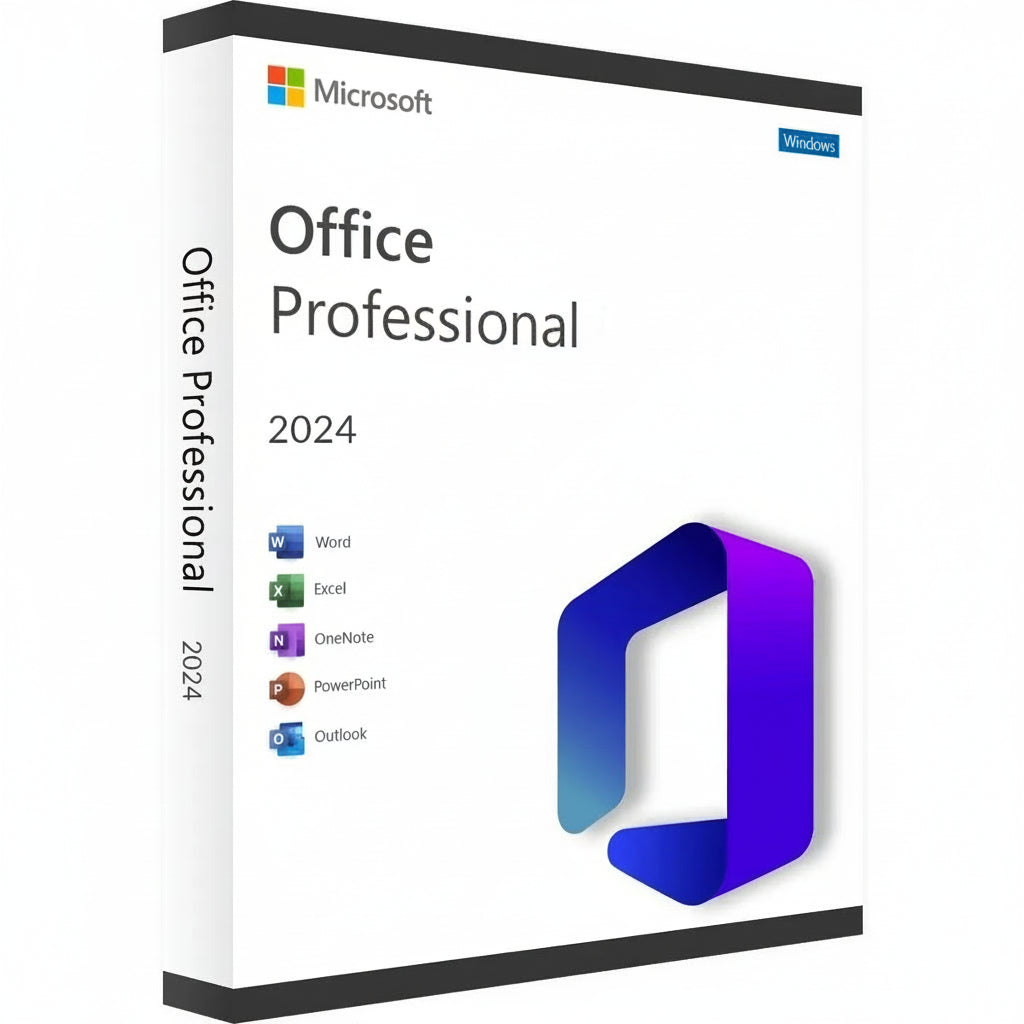
Microsoft Office 2024 Professional Plus LTSC Key
Obtén tu Clave de Microsoft Office 2024 Professional Plus y transforma tu estación de trabajo en una potencia de eficiencia....
Leer más- Precio regular
- $10.151,00 ARS
- Precio de oferta
- $10.151,00 ARS
- Precio regular
-
$505.840,00 ARS - Precio unitario
- / por
Safe Checkout Guaranteed
Trusted Payment Methods
- Precio regular
- $10.151,00 ARS
- Precio de oferta
- $10.151,00 ARS
- Precio regular
-
$505.840,00 ARS - Precio unitario
- / por
You Might Also Like
Obtén tu Clave de Microsoft Office 2024 Professional Plus y transforma tu estación de trabajo en una potencia de eficiencia. Esta última versión ofrece una interfaz refinada y un rendimiento ultrarrápido en el clásico paquete que el mundo confía para obtener resultados profesionales. Es la elección principal para expertos y estudiantes que desean poseer su software para siempre, evitando la molestia de las suscripciones mensuales.
Guía de Activación y Compatibilidad
Nota de Activación: Este producto no se activa a través de setup.office.com. La activación debe completarse inmediatamente al recibir tu licencia para asegurar su validez.
Cómo Instalar y Activar:
-
Revisa tu Correo Electrónico: Inmediatamente después de la compra, recibirás tu clave de licencia única junto con un enlace a instrucciones detalladas en video.
-
Sigue la Guía: Mira cuidadosamente el video proporcionado; cubre los pasos específicos para descargar el instalador oficial, la instalación y el proceso de activación.
-
Activación Rápida: Asegúrate de seguir los pasos y aplicar la clave tan pronto como la recibas.
Características Clave
-
Crea documentos profesionales con formato avanzado y nuevas herramientas de tinta en Word 2024.
-
Analiza conjuntos de datos complejos más rápido con matrices dinámicas mejoradas y funciones XLOOKUP en Excel.
-
Diseña presentaciones cinematográficas utilizando transiciones mejoradas y soporte para modelos 3D en PowerPoint.
-
Gestiona grandes volúmenes de correos electrónicos y horarios con la interfaz ultra-responsiva de Outlook.
-
Construye bases de datos personalizadas y diseños profesionales utilizando las últimas versiones de Access y Publisher.
Nueva Era de Productividad y Suite de Aplicaciones
La suite de 2024 es un salto significativo en rendimiento, diseñada para trabajar en perfecta armonía con el hardware más reciente y Windows 11. Obtienes acceso completo a la línea clásica, incluyendo el renovado OneNote, que sigue siendo vital para organizar pensamientos y compartir notas a través de tus dispositivos. Esta aventura épica en el trabajo digital asegura que te mantengas por delante de los plazos con herramientas que responden a tu entrada sin retraso.
La consistencia visual es el corazón de esta versión, presentando un aspecto que refleja la estética moderna de los sistemas operativos actuales. Ya sea que estés redactando una carta simple o gestionando una enorme base de datos corporativa, el entorno se siente cohesivo y enfocado. La integración del soporte para el Formato de Documento Abierto (ODF) 1.4 también asegura que tus archivos permanezcan compatibles con una gama más amplia de software que nunca antes.
Beneficios de Activación y Licenciamiento
Elegir la Clave de Microsoft Office 2024 Professional Plus significa que estás optando por una licencia de venta al por menor permanente. Esta es una compra única que se vincula a tu cuenta de Microsoft, eliminando la necesidad de tarifas recurrentes o "alquileres de software". Recibes la versión completa de cada aplicación, asegurando que puedas trabajar sin conexión y mantener el control total sobre tus documentos privados sin restricciones solo en la nube.
Es una solución confiable para aquellos que valoran la estabilidad a largo plazo y la propiedad digital. Una vez activada, tu licencia es genuina y verificada por servidores oficiales, dándote acceso a todas las actualizaciones críticas de seguridad. Este camino es preferido por profesionales que necesitan una solución de "configurar y olvidar" para su oficina en casa o entorno de pequeña empresa.
Especificaciones Técnicas y Requisitos del Sistema
Plataformas Disponibles
PC (solo Windows 10 y Windows 11).
Requisitos del Sistema
| Componente | Requisitos Mínimos | Recomendado para Rendimiento |
| OS | Windows 10 / 11 | Windows 11 |
| Procesador | 1.6 GHz, 2 núcleos | 2.0 GHz+ Multi-núcleo |
| Memoria | 4 GB RAM | 8 GB RAM o más |
| Almacenamiento | 4 GB de espacio disponible | SSD para carga más rápida |
| Pantalla | Resolución 1280 x 768 | 1920 x 1080 (Full HD) |
| Gráficos | DirectX 9 o posterior | Compatible con DirectX 12 |
Obtén Tu Licencia
¡Obtén tu clave de Microsoft Office 2024 Professional Plus ahora y domina tu carga de trabajo con las herramientas más confiables del mundo!
Activation Guide
Option 1 – Microsoft deployment guide
Video guide
Before you start
Make sure any previous version of Microsoft Office or Microsoft 365 is completely uninstalled from your PC.
1. Open the Office Customization Tool
Go to the official Microsoft Office Customization Tool:
Open the Office Customization Tool
2. Create your configuration
Create a new configuration and select the following settings:
Architecture: 64-bit (recommended for most PCs), or 32-bit if required by your system.
Product: Office LTSC Professional Plus 2024 – Volume License.
Update Channel: Perpetual Enterprise / PerpetualVL2024.
Select the Office applications and language you want to install.
Product key: Select the Volume License / MAK option and enter your purchased Office 2024 Professional Plus LTSC key.
3. Export the configuration file
Complete the configuration and click Export. Accept Microsoft’s terms and save the configuration as an .xml file, for example:
office2024.xml
4. Download the Office Deployment Tool
Download the official Microsoft Office Deployment Tool (ODT):
5. Create an installation folder
Create a new folder on your PC. Place the downloaded Office Deployment Tool and your .xml configuration file in this folder.
6. Extract the deployment files
Run the Office Deployment Tool and extract its files into the same folder.
Make sure the folder contains both setup.exe and your configuration file, for example office2024.xml.
7. Open Command Prompt
Open Command Prompt as Administrator.
8. Navigate to your installation folder
Navigate to the folder containing setup.exe and your configuration file. Example command:
cd "C:\Users\YourName\Desktop\Office2024"
Replace the example folder path with the location of your own installation folder.
9. Start the installation
Run this command:
setup.exe /configure office2024.xml
If you used a different configuration filename, replace office2024.xml with that exact filename.
10. Wait for Office to install
Office 2024 Professional Plus LTSC will now download and install. Keep your PC connected to a stable internet connection until installation is complete.
11. Activate Office
Open Word, Excel, or another Office application and go to File → Account.
Office should activate automatically online if the product key was added correctly during configuration. If prompted, enter your purchased product key and complete activation.
Option 2 – Simplified installation and alternative activation
If the configuration steps in Option 1 are too technical, use the direct installer below. Choose one installation method. If Office LTSC 2024 is already installed, skip the download and continue with activation.
1. Remove previous Office installations
Remove any previous Office or Microsoft 365 installation, as explained above.
2. Download and install Office
For the English 64-bit edition, download and run this Office 2024 Professional Plus LTSC installer:
Download Office 2024 LTSC – English, 64-bit
Use Option 1 if you need a different language or a 32-bit installation.
3. Enter your product key
Open Word → File → Account. Check that the edition is Office LTSC Professional Plus 2024. Enter your purchased key when prompted and try online activation first.
4. Find your Installation ID
If online activation fails and the Activation Wizard offers “I want to activate the software by telephone”, select it and choose Next to display your Installation ID.
5. Open the Microsoft activation portal
Open the Microsoft Product Activation Portal
Complete the verification and sign in. Select “Activate a Microsoft Product”, choose Office and the matching version, and follow the prompts to submit your Installation ID.
Microsoft has moved automated telephone activation online. Use the portal instead of calling an old activation number. Signing in to the portal does not link the LTSC license to that Microsoft account.
6. Complete activation
If Microsoft provides a Confirmation ID, enter it in the Activation Wizard and finish activation. Check File → Account for the activated product status.
7. Get help if activation fails
If the telephone option is unavailable, the portal cannot complete activation, or the key is rejected, contact RoyalCDKeys Support. Include a screenshot of the exact error and the product information shown under File → Account.
Do not keep reinstalling Office or buy another key before we check the issue.
Important: Microsoft Project compatibility
Project is sold separately and is not included in Office LTSC Professional Plus 2024.
Project Standard or Professional 2024 can coexist with Office LTSC 2024 in a compatible installation. Office and Project must use the same 32-bit or 64-bit architecture, compatible Click-to-Run installation technology, and the same update channel.
Office LTSC 2024 uses PerpetualVL2024. Project 2024 volume editions support this channel. Older or differently configured Project installers may conflict.
Contact RoyalCDKeys Support before installing Project alongside this Office edition.
